Features of Candy Hole: the growing hole, the mines and the bonus
Five things make this round what it is, and only two of them are visible in a screenshot. The hole grows. Mines sit under the objects. A bonus intervenes at random. A public history runs beside the field. And a fairness panel lets a finished round be checked afterwards.
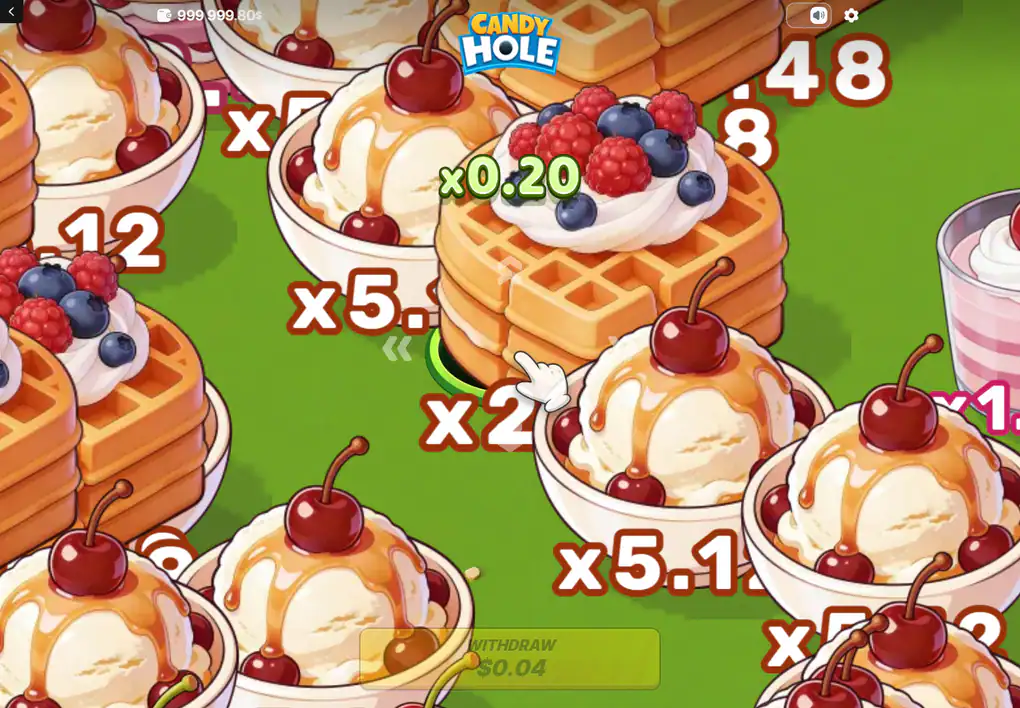
A round in progress, with object values printed on the field itself.
The hole grows, and that growth is the whole gate
A round opens with a hole small enough for a macaron or a tartlet. Each object it swallows makes it bigger, and only then do the waffles, the ice cream and the cakes become things it can take at all. The ladder of values and the growth of the hole are therefore the same mechanism seen twice: the cheap objects are not poor rewards, they are the entry fee for the expensive ones.
This is also why the game cannot be played quickly or lazily. There is no route to the top of the ladder that skips the bottom of it, and every step along the way is spent on a field with mines in it.
Mines, and why no object looks safer than another
A mine can be under any sweet on the field, and nothing marks it. Swallowing one ends the round immediately: the accumulated multiplier is gone and the stake with it. 100HP Gaming states this in its own description of the game, and the review covering the title states it again in stronger terms.
Two consequences follow that are worth stating plainly. The longer a round runs the more objects it has approached, so time on the field is itself the risk; and because the expensive objects are the late ones, the part of the round worth playing for is the part with the most exposure behind it. That is not a flaw in the design — it is the design.
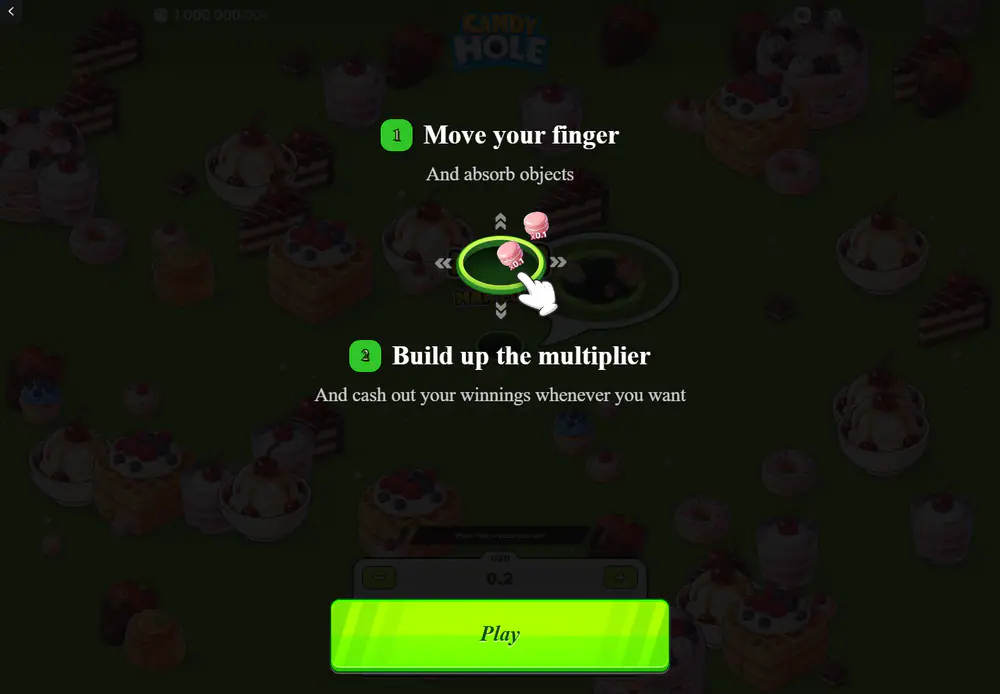
Even the teaching overlay shows an object carrying its own small value.
One bonus feature, under two names
100HP Gaming calls it Bonus Magnet and says it helps the hole collect objects more efficiently and keep growing. The review covering this title calls it Bonus Shield and says it suspends the risk of hitting a mine up to a multiplier target it shows in advance, triggering at random when an absorbed object turns out to be safe, and tinting the field blue while it lasts.
Those are two different descriptions of a feature with two different names, and this site does not choose between them or blend them into one. The studio's name and the studio's account of it are first-hand and are given first; the other is a publication's and is labelled as such. Whichever is right, neither is something a player chooses: both accounts agree that it arrives on its own.
What the game does not have
A list of absences is unusually informative on this title, because almost every expectation a reader brings from elsewhere turns out to be one. There are no free spins and no spins of any kind. There is no feature to buy, which on a game this short is a notable restraint. There is no jackpot and nothing that accumulates across rounds. There is no risk or gamble step after a collection, no second screen, no multiplier that persists, and no progress that survives a lost round.
There is also no automatic play and no automatic stop, which is the absence with teeth. A game with an autoplay setting lets a player decide once and walk away; this one asks for a decision on every object and gives no way to set a limit the game will enforce. Whatever limit applies is the one the person keeps, and that is worth knowing before the first round rather than after the tenth.
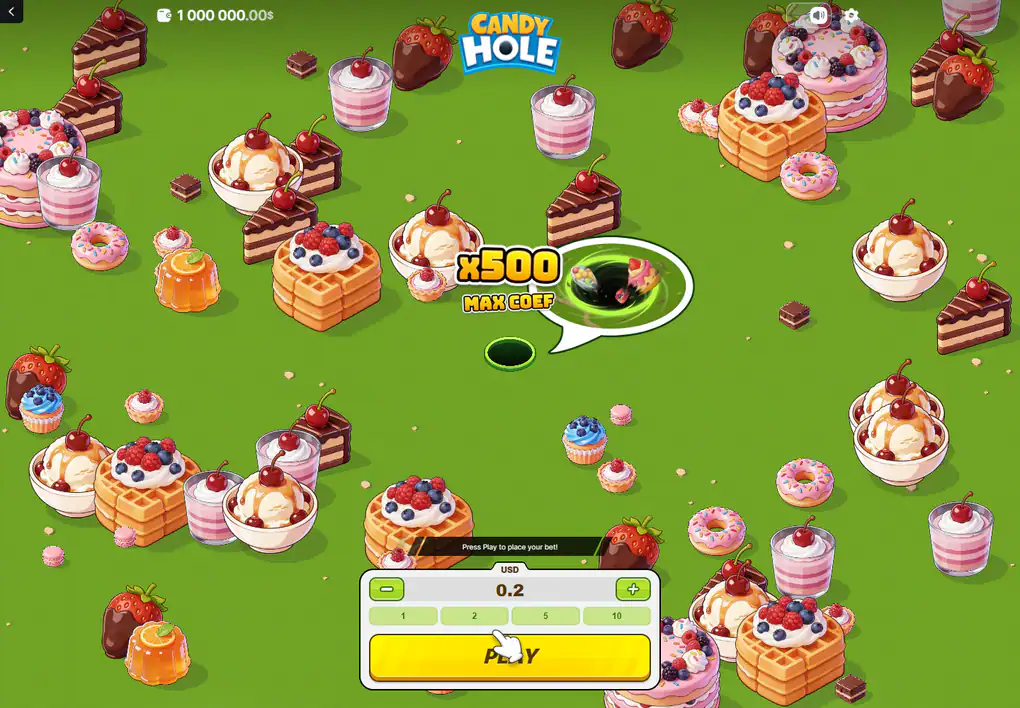
Nothing on the pre-round screen hints that a round can end badly.
The leaderboard, and what a public history proves
Three tabs run beside the field. One shows rounds being resolved by other people right now, one keeps your own recent rounds, and one collects the largest results over various periods. The studio describes the same furniture across its catalogue: bet history, high rollers, and a sense of other people being present.
It proves that results exist and nothing beyond that. No entry in any of those tabs is an input to your round, no run of other people's outcomes makes anything due, and a list of large wins is a list of the rare tail of a distribution shown without the common middle of it.
A fairness check settles one question only
The platform this title runs on carries a Provably Fair panel, which lets a finished round be verified against the values committed before it started. That is a real and useful property, and it answers exactly one question: whether the result was altered after the fact.
It is not a laboratory certificate, it says nothing about the long-run return, and it does not make the published 96% any more or less of a house declaration than it already was.
The distinction is worth holding on to because the two are easily blurred. A fairness check is about one round and answers the question "was this result the one that had already been decided". A return figure is about an enormous number of rounds and answers the question "what share of everything staked comes back". A game can be impeccable on the first and still be a game you lose money at, which is what every game in this category is.
What the studio calls this game, and what everyone else calls it
In its own catalogue 100HP Gaming files this under Casual, alongside its stickman boxing title and its chicken games, and keeps a separate bucket for the classics — dice, plinko, mines, hi-lo and the rest. The catalogue that lists the title calls it an instant win game with a step multiplier; the review calls it an arcade instant game with crash elements and compares it to the phone game about a hole swallowing a city.
The dates do not line up either: the studio's own record gives the release as the fifteenth of July, while the review and the catalogue both give the eleventh. Four days is a trivial thing to be wrong about and a useful thing to notice, because it is a reminder of which of those sources is first-hand and which are repeating each other.
The categories are worth one more sentence, because they explain why this title keeps turning up in the wrong company. Whoever lists it has to put it somewhere, and no catalogue has a shelf for a game steered by hand, so it lands under instant wins beside the dice and the plinko, or under crash beside the climbing curves, or under slots because that is the biggest shelf. None of those is a lie and none of them describes it, which is why this site opens by saying what it is instead of which shelf it sits on.
The practical use of that is simple. Anything written about this title that opens with reels, lines, a grid, a symbol set, free spins or a bonus round is describing something else, and the figures in it belong to something else too. There are a good many sweets-themed games with names close enough to confuse, each with its own return and its own ceiling, and the fastest way to tell whether a page is about this one is to look for the hole.
Questions about the features
What makes the hole grow?
Absorbing objects. Each one adds to its size, and the larger objects only become reachable once it has taken enough of the smaller ones.
Stated by 100HP Gaming in its own description of the game.
Can a mine be avoided?
Not by looking. Nothing distinguishes a mined object from a safe one, so the only control a player has is how many objects the round approaches at all.
What does the bonus feature do?
The studio says it helps the hole collect objects more efficiently and keep growing; the review covering this title says instead that it suspends the risk of hitting a mine up to a multiplier target it shows in advance. Both agree it triggers on its own and cannot be bought or chosen.
Named Bonus Magnet by 100HP Gaming and Bonus Shield by the review.
Are there free spins?
No. There are no spins in this game at all, and the operator listings that carry a free-spins field record it as none.
What does Provably Fair guarantee?
That a finished round matches what was committed before it began. It is not a return figure and not a certificate.
Is there a feature to buy?
No. Nothing in the game can be purchased: the amount staked is the only thing a player sets.
What the game is, as a whole, and the two figures that matter most about it are on the opening page of this site.
Carry on with
The game starts with what the title is, who built it, and what the single published return figure rests on.
A round walks one round from the loading bar to the moment the collect control becomes usable.
Values sets out the twelve object values and which end of that ladder a round is actually played for.
Controls documents the stake panel, the two ways of steering, and the currency label above the amount.
On a phone compares the portrait layout with the desktop one and says what changes when a live field has to be steered by thumb.